
How to fix native share popup menu closing immediately on mobile
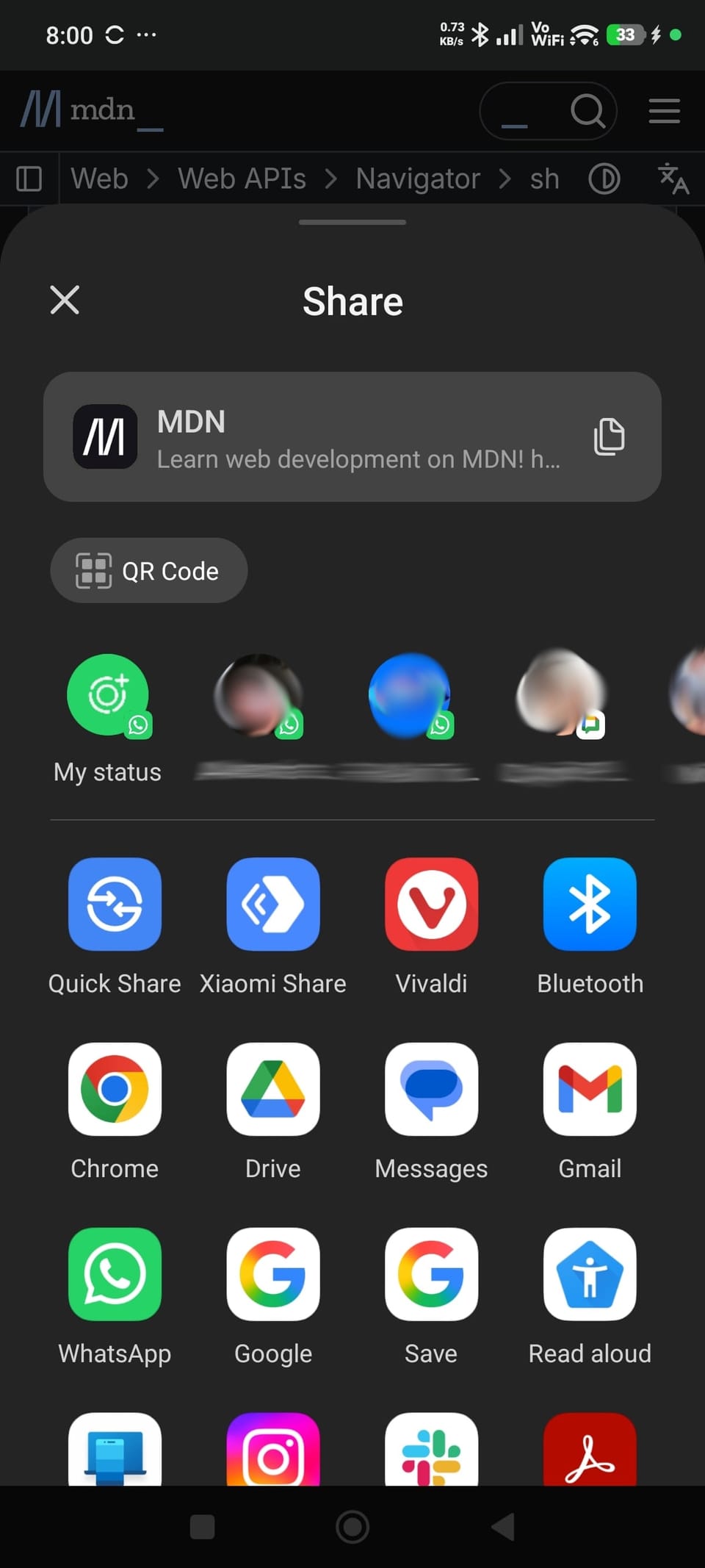
In one of the apps I worked on was a flow where the user could share a link which was then supposed to disappear forever from the interface, being replaced with a "Thank you!" screen. On mobile, the sharing was done with just one button that triggered the native share process.
Everything went fine for literally years until this month when a client reported a bug. On some iOS versions the sharing popup was closing by itself immediately after opening, therefore blocking the user from passing on the link and losing the data.
According to the documentation there is no way for the developer to actually force it to close, programatically, so initially we searched for some sort of user error that we might be able to attenuate, for example perhaps they were double tapping the button which somehow ended up on accidentally clicking outside the share popup and closing it. It was not the case here.
After some research, it turns out that on certain scenarios the popup closes by itself if the content changes. While we weren't doing any sort of routing behind (not even the Single Page App routing style, using hash anchors) and there was just a juggle between displayed divs, it looked that some browsers were not ok with that pattern.
The most frequent solution we encountered involved a timeout to trigger the content change after the sharing popup was opened, instead of doing during the same click, but I was never a fan of using timeouts for such bugs. It's an approach that leaves too much to guessing (how long to do you wait?) and also introduces a supplementary delay to the large majority of users, for whom the process worked fine.
In the end, what worked was moving the UI action after the share promise was resolved.
navigator.share(shareData)
	.then(function () {
		// everything went well
		doTheUISuccessScenario();
	})
	.catch(function (err) {
		// there was an error
		doTheUIErrorScenario();
	});
After using this approach the user was no longer able to reproduce the issue and it was also a safer way to handle things instead of using an unreliable timeout.