
Fixing a Vue bug with blur not triggering
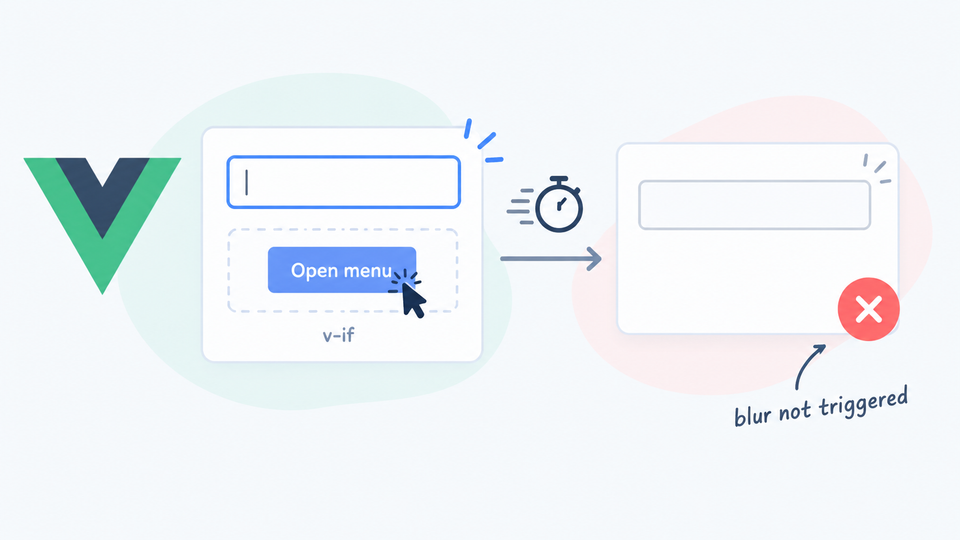
One of the things that makes a senior developer senior is not necessarily the number of years spent working but the number of weird bugs encountered. Things that make no sense, like an input's blur event only triggering in some scenarios. You encounter them, eventually fix them, and the next time something similar happens, you have a new potential lead under your tool-belt. This short post is about such a bug.
The setup was basic and straightforward: an input inside a sidebar was supposed to trigger an "unsaved changes" check on the blur event.
Something like this:
<input type="text" @blur="checkForChanges" />
When clicking outside the input, the checkForChanges method was usually called, as confirmed by Chrome's debugger breakpoint being reached. But not always.
The issue seemed to happen in instances where the sidebar was hidden by the click. Visually it was an animated slide-to-the-right operation, where the input didn't look like it was instantly destroyed. However, the animated transition only happened for the outer wrapper, while the inner sidebar panel with the input was actually gated by a Vue state property (something like v-if="ui.sidebar_is_visible").
This caused the DOM subtree holding the focused input to get removed as soon as Vue's reactive update began running. When the browser's native blur attempted to fire, it didn't get a meaningful DOM to fire on. On a related note: always verify your assumptions. If I would have checked if the input was still there, things would have gone faster.
The fix for my particular case was to force a blur dispatch before doing the click-tied method that was hiding the sidebar.
Something like this:
myOnClickHandler: function () {

    if (document.activeElement && typeof document.activeElement.blur === 'function') {
        document.activeElement.blur();
    }

    // now you can do your thing, myOnClickHandler!
    ...
}
Basically it checks if there is any activeElement on the document and if true, it removes the focus from it.
Good tip to keep in mind for the future! The next time a similar issue frustrates the team, you will be able to dive in and make it look like you're a wizard!